
App Generation
In the Image Generation tutorial, we learned how to create an app that lets the user scan a QR code, describe what they want to create by saying a few words, and then see the generated image on the TV. But what if… instead of just an image, you could describe an app and then be using it moments later? Sounds like science fiction, but with just a few small changes to the app we can make it happen!
- Source code: https://github.com/synamedia-senza/imagine/ (
appsbranch) - Pull request: https://github.com/synamedia-senza/imagine/pull/1/files (showing changes from part 1)
- Demo: https://senzadev.net/imagine/
Persistence
First, let's modify the code for image generation so that instead of using the temporary URL returned by the OpenAI API, we save the file to a persistent location in S3. That way if you generate a cool image it doesn't evaporate!
First, update the config.json file in fill in the following information for your S3 bucket.
{
  "OpenAIApiKey": "",
  "S3Bucket": "",
  "S3Path": "",
  "S3Region": "us-east-1",
  "S3AccessKeyId": "",
  "S3SecretAccessKey": "",
  "BaseUrl": "https://mydomain.com"
}
Then, add some functions for uploading and mirroring files to S3.
const { S3Client, PutObjectCommand } = require("@aws-sdk/client-s3");

const s3 = new S3Client({
  region: config.S3Region,
  credentials: {
    accessKeyId: config.S3AccessKeyId,
    secretAccessKey: config.S3SecretAccessKey
  }
});

async function uploadToS3(Body, filename, ContentType) {
  const Key = config.S3Path + filename;
  await s3.send(new PutObjectCommand({Bucket: config.S3Bucket, Key, Body, ContentType,
    CacheControl: "no-cache, no-store, must-revalidate, max-age=0"
  }));
  return config.BaseUrl ? `${config.BaseUrl}/${Key}` :
    `https://${config.S3Bucket}.s3.${config.S3Region}.amazonaws.com/${Key}`;
}

async function mirrorToS3(src, filename) {
  const res = await fetch(src);
  if (!res.ok) return null;

  const bytes = Buffer.from(await res.arrayBuffer());
  return uploadToS3(bytes, filename, "image/png");
}
Here are a few helper functions we'll use for making filenames. The simplify() function takes a complete prompt and returns the first-words-in-kebab-case.
function makeFilename(prompt, random, suffix) {
  var filename = simplify(prompt, 50);
  if (random) filename += "-" + randomNumber(1000,9999);
  return filename + "." + suffix;
}

function simplify(value, maxLen = 30) {
  let words = value
    .toLowerCase()
    .normalize("NFKD").replace(/[\u0300-\u036f]/g, "")
    .replace(/[^a-z0-9\s-]/g, "")
    .trim()
    .split(/\s+/);

  let out = "";
  for (const w of words) {
    const next = out ? `${out}-${w}` : w;
    if (next.length > maxLen) break;
    out = next;
  }
  return out || "imagine";
}

function randomNumber(min, max) {
  return Math.random() * (max - min) + min;
}
Finally, we'll modify the generate function so that instead of returning the temporary URL, it mirrors the file to S3 and returns a permanent URL.
async function generateImage(prompt) {
  try {
    const response = await openai.images.generate({
      model: "dall-e-3", prompt, n: 1, size: "1792x1024"
    });
    const tempUrl = response.data[0].url;
    return await mirrorToS3(tempUrl, makeFilename(prompt, true, "png"));
  } catch (e) {
    console.log(e);
    return null;
  });
}
This is a useful improvement for the images use case, but it'll be essential for what we do next: generating apps.
Generate App
Now here's the amazing thing: we're going to leverage the power of AI to make a small change to the app that will make it do something completely different. We'll add a function that takes a prompt, requests an HTML page, saves the result to S3, and returns the URL.
async function generateApp(prompt) {
  try {
    const response = await openai.responses.create({
      model: "gpt-5.1",
      input: [
        { role: "system", content: "You output only HTML." },
        { role: "user", content: appPrompt(prompt) }
      ],
      text: { format: { type: "text" } },
      reasoning: { effort: "none" }, // "none/low/medium"
      max_output_tokens: 8000
    });

    let html = (response.output_text || "").trim();
    const filename = makeFilename(prompt, false, "html");
    return await uploadToS3(Buffer.from(html, "utf8"), filename, "text/html");
  } catch (e) {
    console.error(e);
    return null;
  }
}
We take the user's prompt and wrap it with some more detailed instructions. These requirements help to make sure that the app looks like it was designed for TV, is the correct resolution, and is fully navigable with remote control input (with the instructions displayed on screen). For security reasons we also prevent the app from using external libraries or making network calls.
function appPrompt(shortPrompt) {
  return `
Generate a single-file web app for a 16:9 TV (1920x1080).
Return ONLY valid HTML (no markdown, no explanation).
The content should fill up the screen nicely and be legible
  when viewed by a person sitting ten feet away from the TV.
Hard requirements:
- One HTML file with inline CSS and inline JS.
- Fullscreen layout; no scrolling; all text/buttons large.
- Remote-control only: Arrow keys + Enter + Escape.
- NO mouse, NO touch, NO clicking.
- App must be fully usable with only those keys.
- No external libraries or CDNs.
- No network calls (no fetch/XHR/WebSocket).
- Keep implementations minimal and concise; prefer simple rules over full-feature completeness.
For games:
- Start automatically on first Enter/OK press (no click).
- Show on-screen controls legend.
- Never throw runtime errors:
  - All array accesses must be bounds-checked.
User request: ${shortPrompt}
`.trim();
}
How meta is it that we've used ChatGPT to write a prompt to send to ChatGPT?
Amazingly, that's it. Having updated the app to persist resources, modifying it to generate apps is just a small change.
Examples
So what can make with it? As the name of the app implies, you're limited only by your imagination! Run the app on Senza (or in a regular browser), scan the QR code, tap the mic icon, describe your app, and tap the mic again to confirm. It may take up to a minute to generate your app.
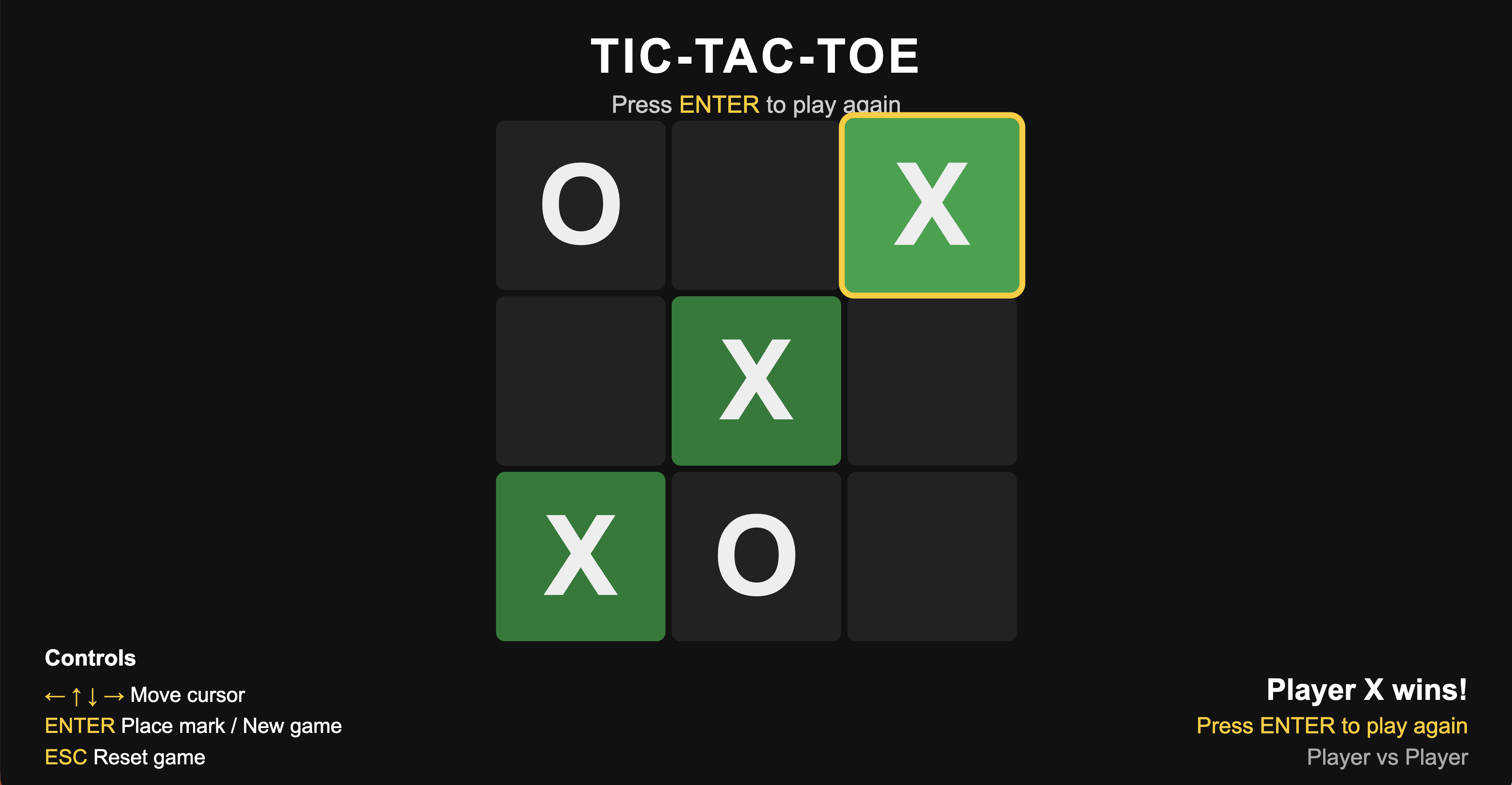
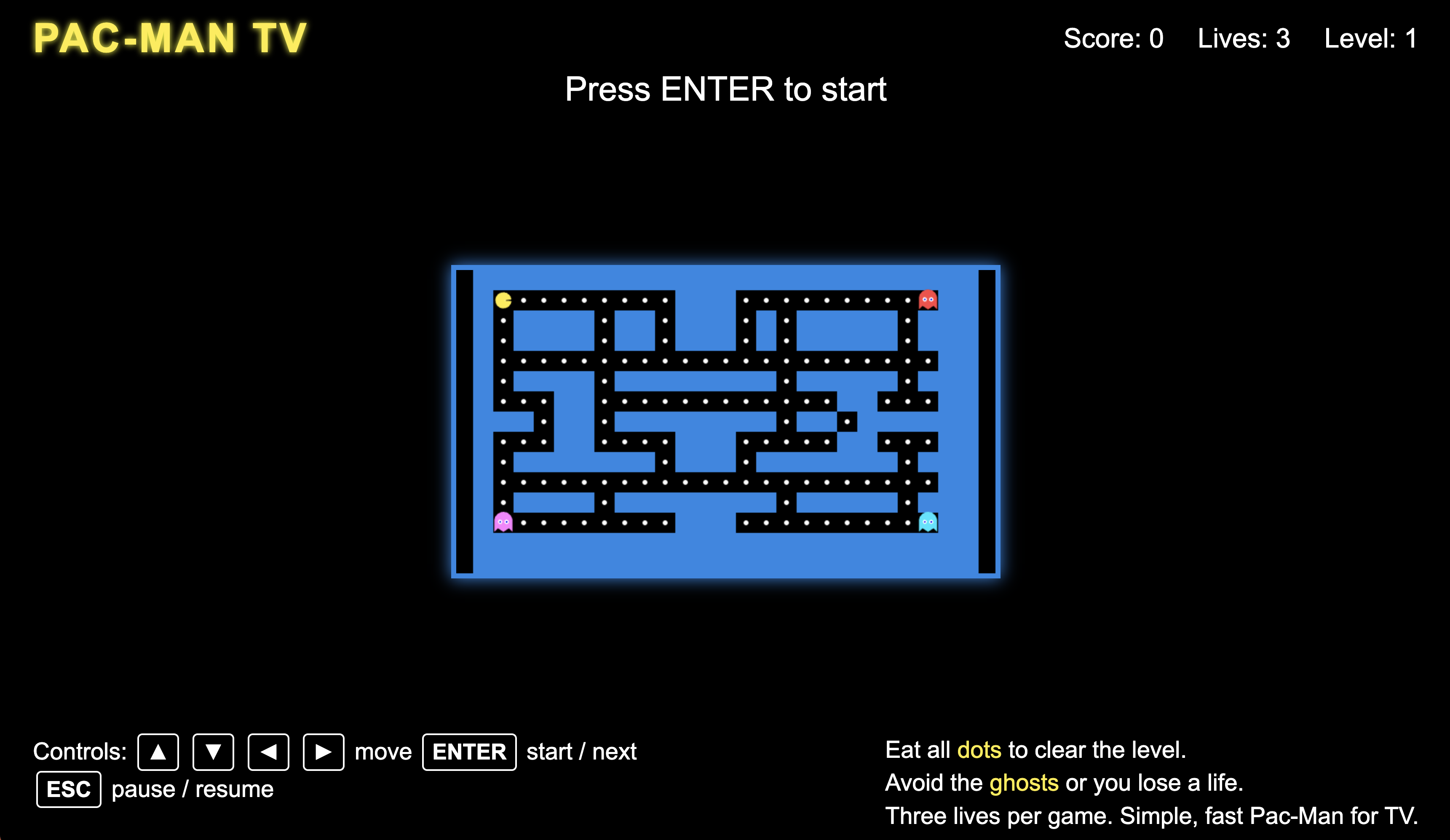
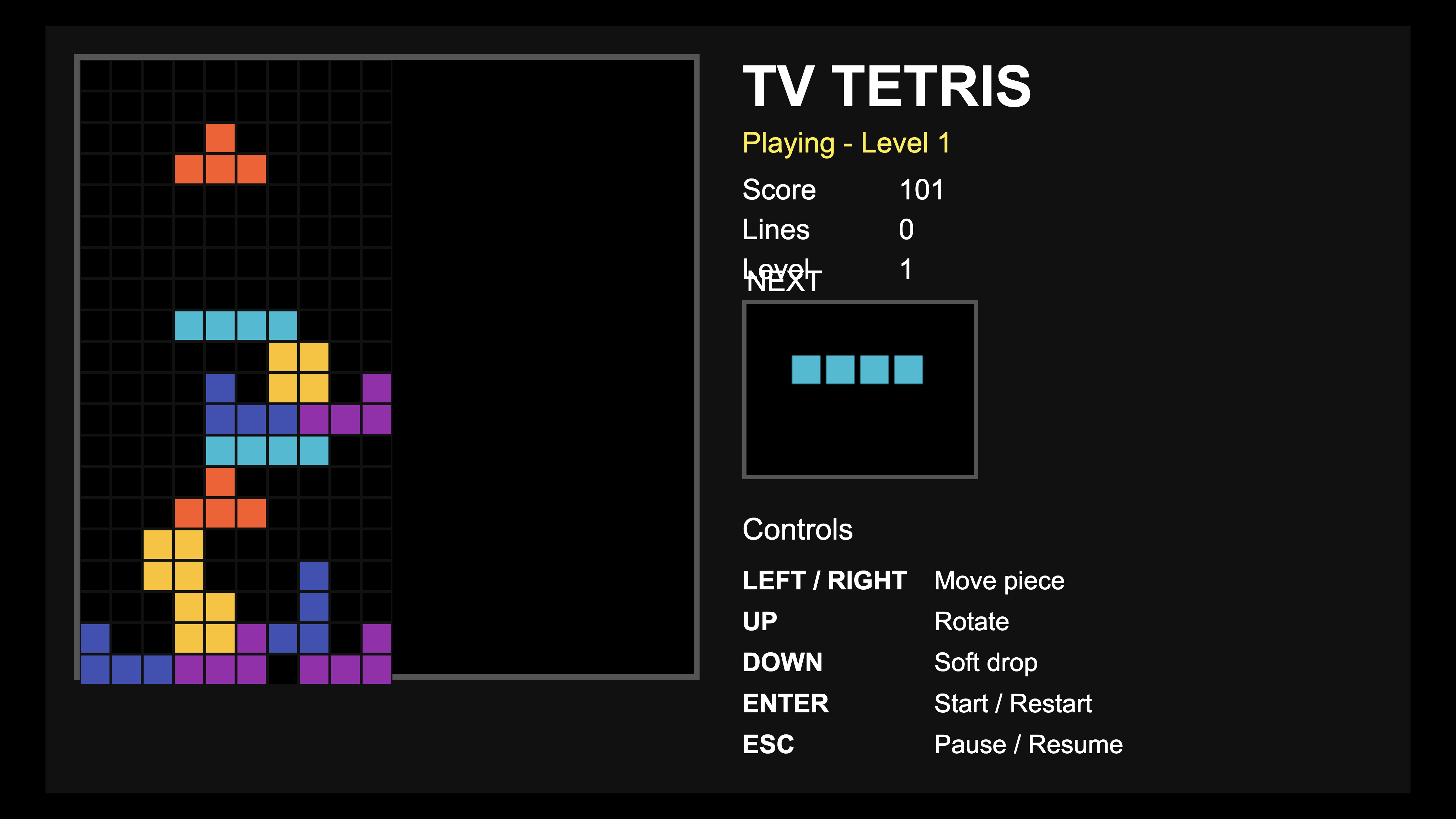
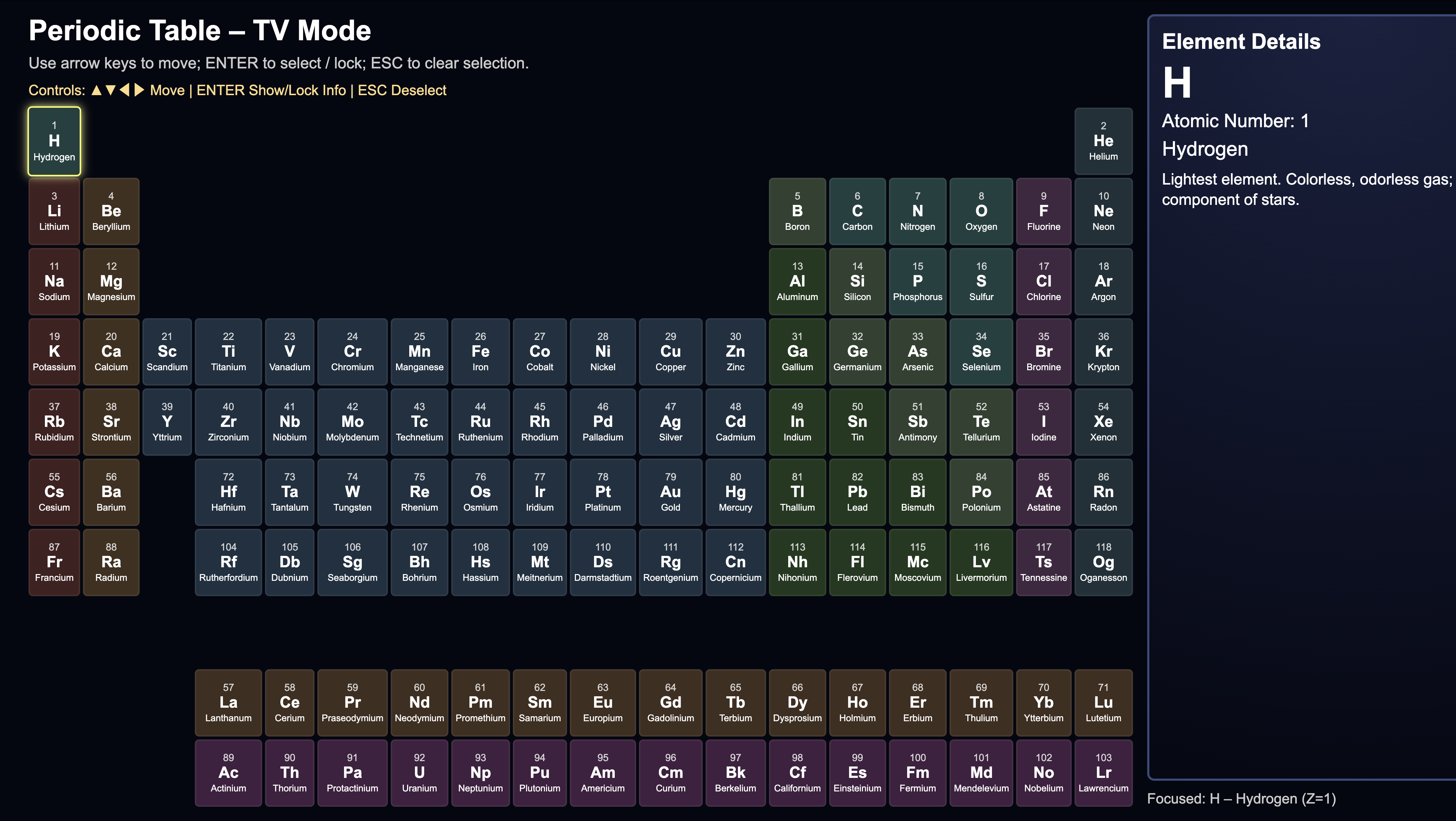
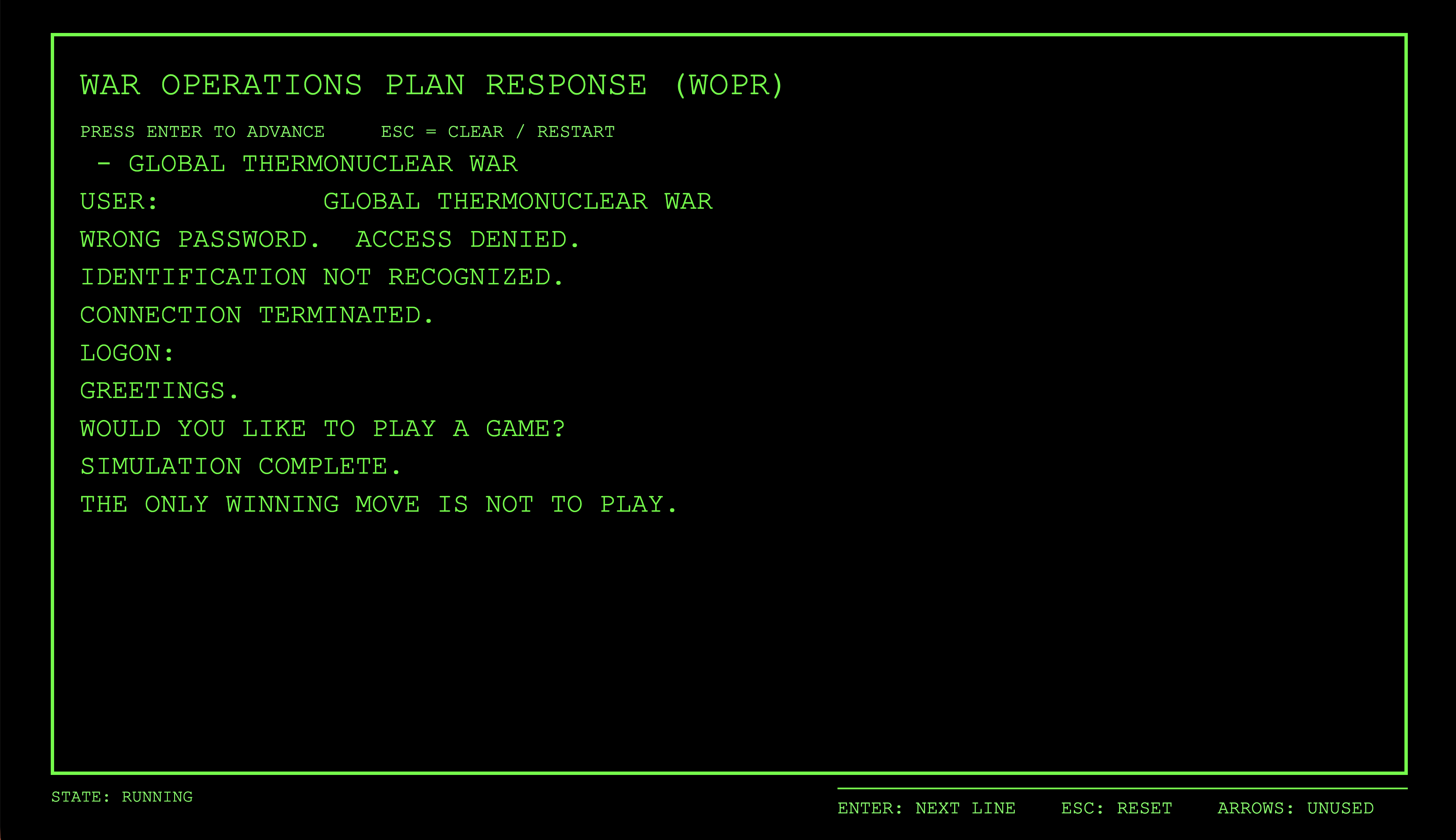
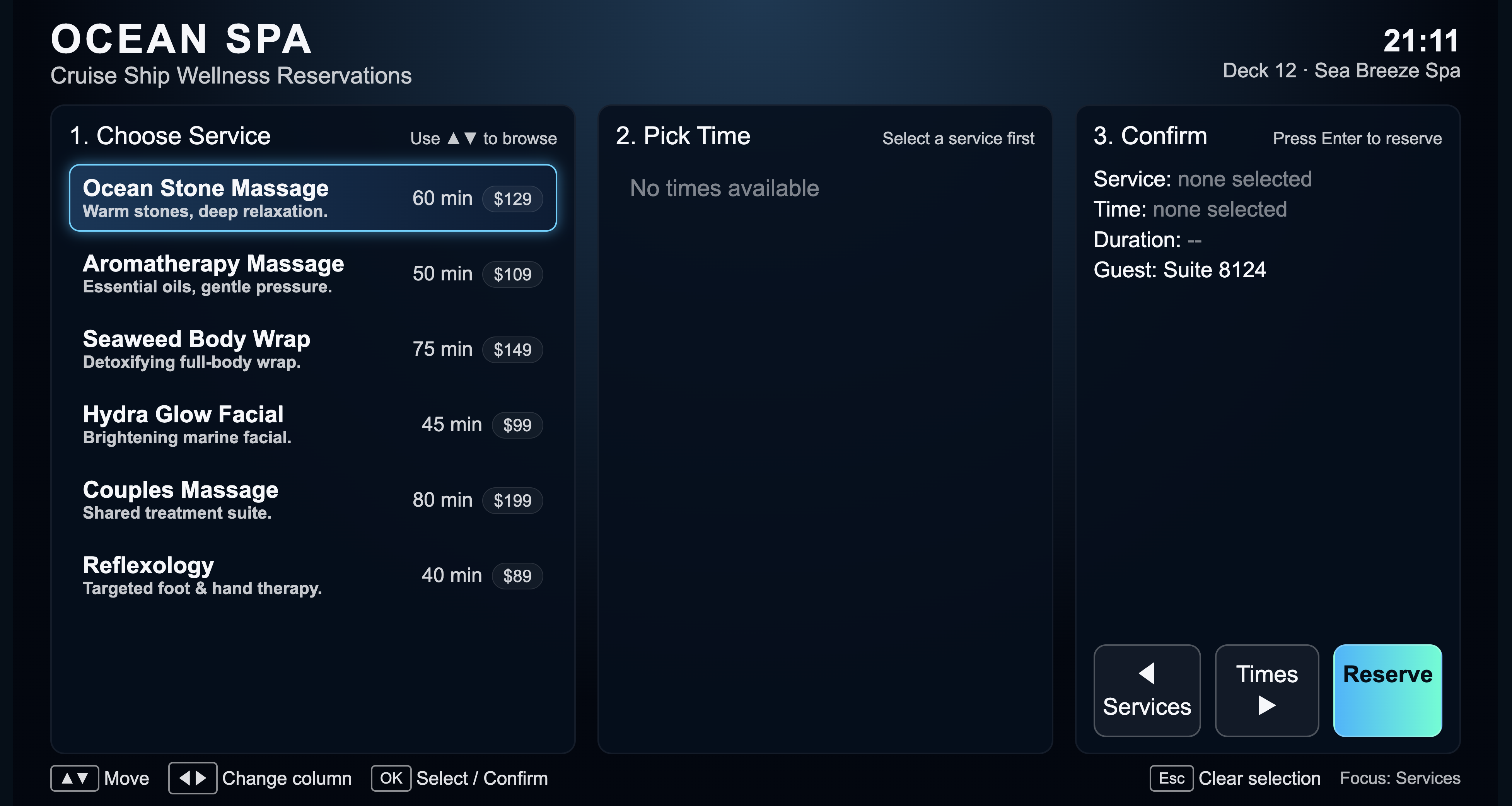
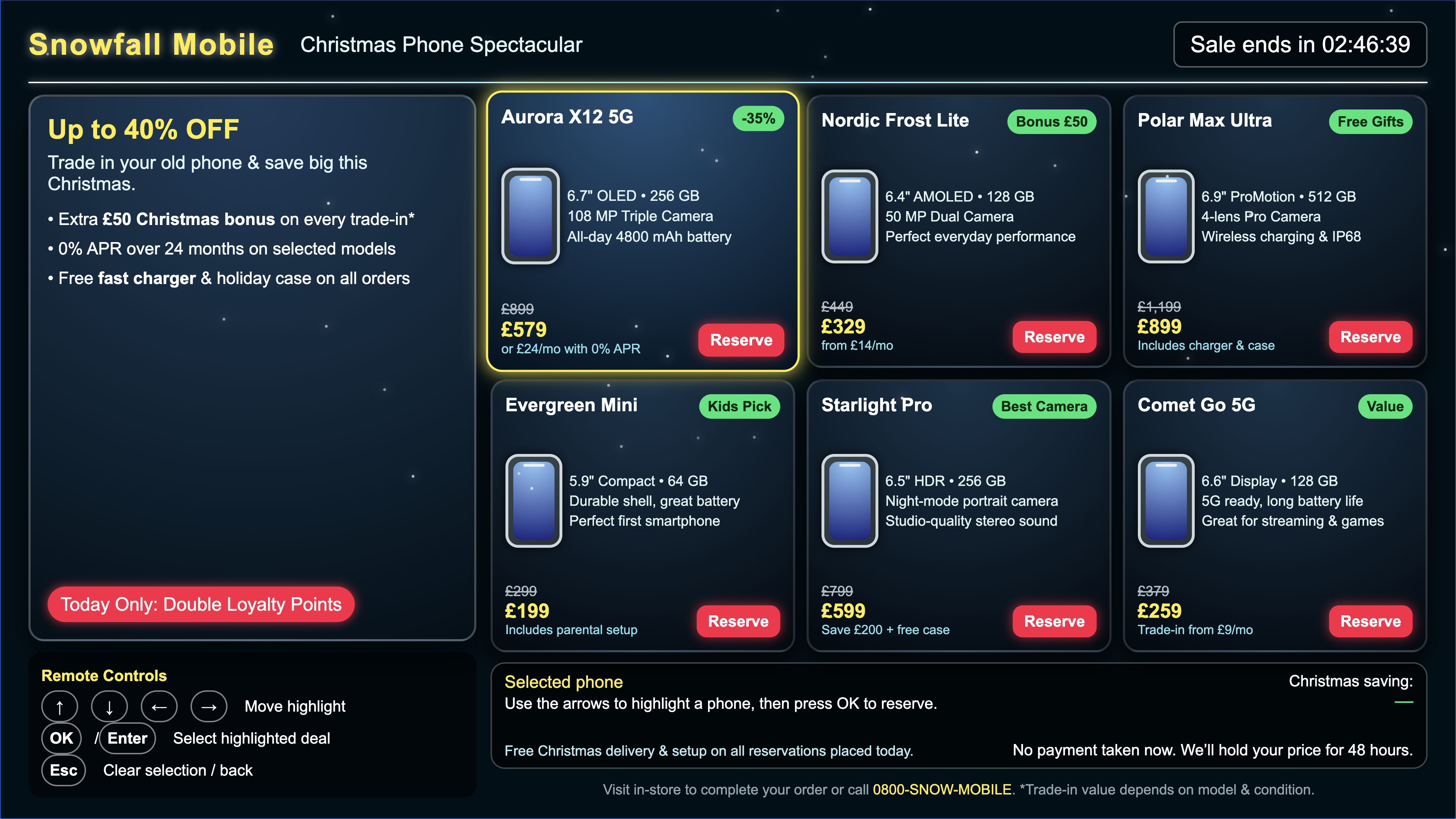
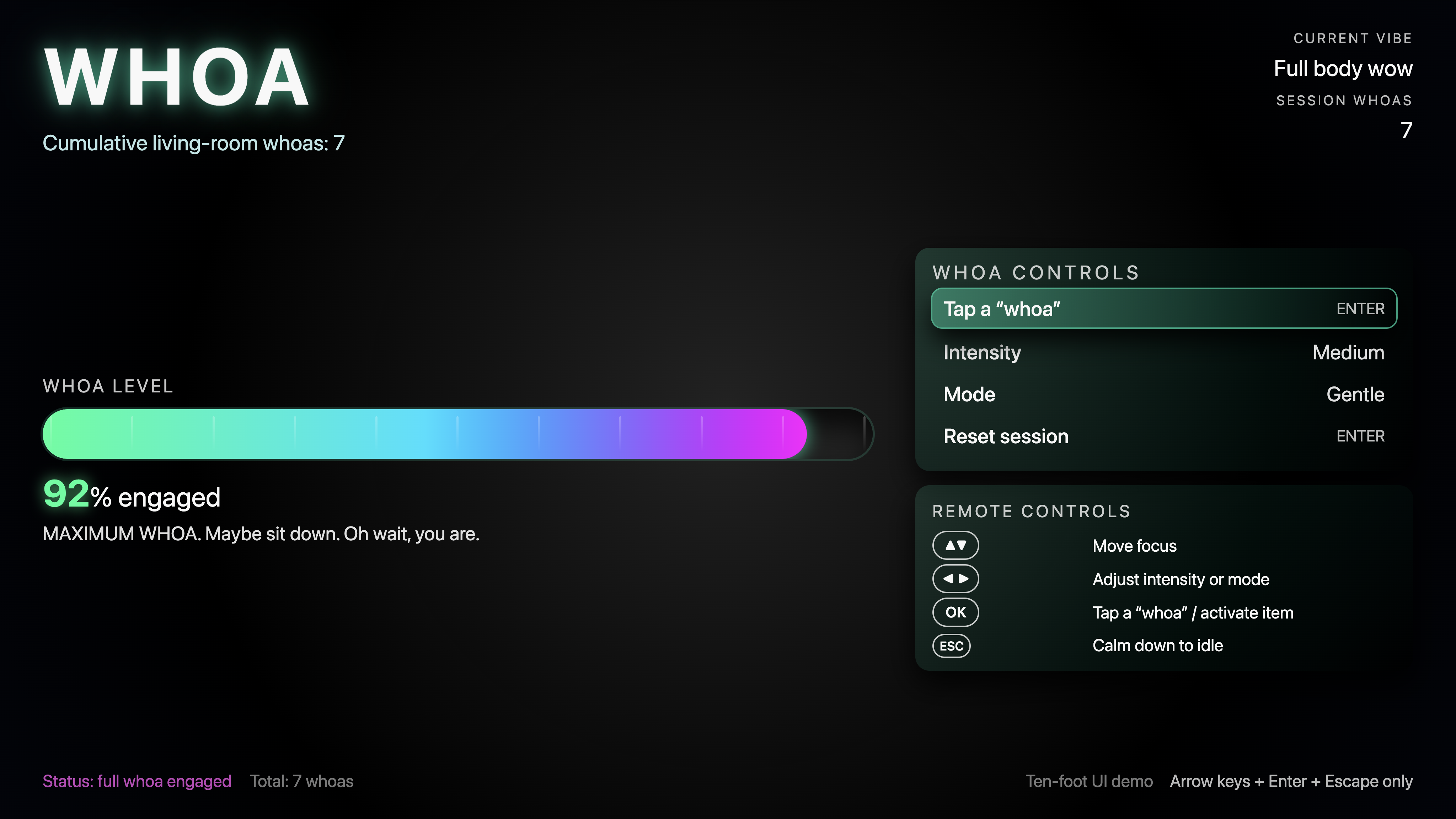
- Whoa — TV awesomeness meter made accidentally from a single-word promot: "whoa."
Conclusion
So there you have it, an incredible experience that lets you describe the app you want and start using it seconds later, just by sending a voice prompt to the TV using a paired mobile phone. No computer needed, no code, no copy and paste, no server configuration. It's almost too easy.
You can use the app for rapid prototyping of new ideas. Now it does happen quite frequently that the generated apps have a bug or two, and since we are deploying generated code without a human in the loop to review the output there's not an opportunity to test and fix the code first. Because the generated apps are saved to your S3 bucket, you can download the code and further refine the programs as needed.
Besides being a fun demo, the app shows the potential for generating entire apps using AI. If making a simple app is this easy, using prompts like the one shown above you can use your favorite AI platform to rapidly build real, full-featured production apps for deploying on the Senza platform.
Updated 5 months ago