
Chat with Senza Agent
Chat about developing Senza apps
If talking to an AI chatbot is more your style than reading documentation, you're in luck! The Senza Agent is your development partner that deeply understands everything about Senza. It can explain concepts, generate working code, walk you through tasks step by step, and help you learn from real examples.
Knowledge Base
The Senza Agent stores its knowledge in the senza-developer-content repo. It's the same content as the Senza developer documentation you're reading right now, just reformatted in a way that AI can more easily understand. It's still human readable, so you can browse the markdown directly on GitHub.
- Context — Everything there is to know about developing on Senza. You can ask the agent anything you want to know.
- Workflows — Descriptions of how to get stuff done. When you want to integrate your app, the agent can help you apply these changes directly to your codebase.
- Tutorials — A description of all the tutorials in the developer documentation. The agent can walk you through them step by step.
The code for the Senza Agent itself is in the senza-developer-mcp-server repo. It's just a thin wrapper that uses the GitHub API to access the repo above.
Setup
Here's how you can connect Claude to the Senza Agent. You can also use any chatbot that works with MCP.
Custom connector
- Open Claude and go to Settings → Connectors
- Click Add custom connector
- Paste in
https://mcp.senzadev.net/mcp - That's it!
Once you've connected it to your account, it will work on desktop, mobile and web. No need to download anything, edit config files, or even restart the app.
Download
If you prefer, you can download the documentation and point Claude Desktop at it directly.
First, clone the repo to your Projects folder:
git clone https://github.com/synamedia-senza/senza-developer-contextAdd this to your claude_desktop_config.json:
- macOS:
~/Library/Application Support/Claude/claude_desktop_config.json - Windows:
%APPDATA%\Claude\claude_desktop_config.json
{
  "mcpServers": {
    "senza-developer": {
      "command": "npx",
      "args": [
        "-y",
        "@modelcontextprotocol/server-filesystem",
        "/Users/yourname/Projects/senza-developer-context"
      ]
    }
  }
}
Substitute the path to where you cloned the repo. Then restart Claude after editing.
Projects
You can upload files to a Claude Project's knowledge base so they're always available without attaching them each conversation. Upload the context files as a baseline, then add workflow or tutorial files for topics you're actively working on. (Requires a Pro or Team account.)
Examples
1. Understanding Senza
The Context folder gives Claude a complete mental model of the platform. Use it when you want to understand why something works the way it does, not just how.
Good questions to ask:
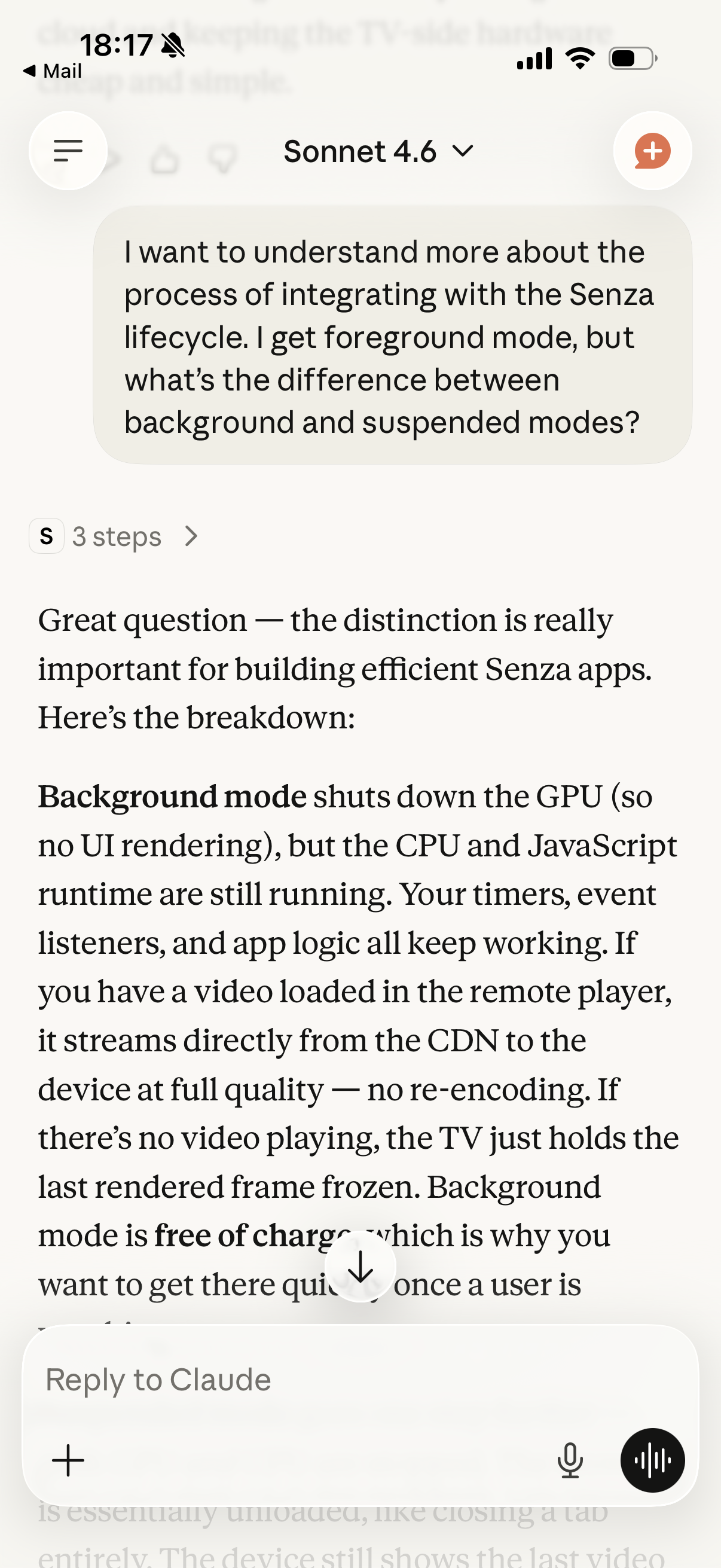
"How does background mode work? What actually happens when my app moves to the background?"
"What's the difference between the local player and the remote player? When would I use each?"
"Why does Senza use a cloud browser instead of running code directly on the device?"
"What lifecycle states does an app go through when the user presses Play?"
"How does device authentication work without a password?"
Claude draws on the context files to give accurate, Senza-specific answers rather than generic web development advice. The context covers platform architecture, lifecycle states, video playback, authentication, messaging, analytics, DRM, developer tools, and more.
Tip: If Claude's answer feels generic, try: "Look at the context files and give me a Senza-specific answer."
2. Getting things done
The Workflows folder is a collection of step-by-step task guides. Use them when you know what you want to build and just need the correct sequence of steps and code.
Good prompts:
"Walk me through setting up a new Senza app from scratch."
"I want to play a DRM-protected stream. What do I need to do?"
"How do I set up ngrok so I can test my local server on a real device?"
"I need to send a push message to a group of devices from my server. Walk me through it."
"Help me add Google Analytics to my Senza app."
"I want to route my device to my local dev server without changing the tenant URL. How?"
Claude will follow the workflow file for your task, adapting the code to your specific situation as you describe it. You can ask follow-up questions mid-workflow and Claude will stay on track.
Tip: Tell Claude about your stack. "Walk me through device authentication — I'm using Express and my user database is in Postgres" gets you more relevant code than asking generically.
3. Learning by doing
The Tutorials folder contains walkthroughs of real, runnable sample apps. Each tutorial explains not just what the code does but why it was written that way. Use them when you want to build something similar, understand a pattern in depth, or just explore what's possible.
Good prompts:
"Explain how the emergency alerts app works. I want to build something similar."
"Walk me through the smart remote tutorial — I want to understand how the phone and TV stay in sync."
"I'm looking at the photo sharing tutorial. How does the pre-signed S3 upload work?"
"Show me the core pattern from the device gateway tutorial — I want to adapt it for my own routing service."
"What's the simplest example of background video with a foreground overlay?"
You can also ask Claude to write new code based on a tutorial:
"Based on the video signage tutorial, write me a version that cycles through RSS feed headlines instead of chocolate videos."
"The QR code authentication tutorial uses a simple password hash. Help me upgrade it to use bcrypt."
Tip: If you want to follow along with a tutorial's source code, clone the linked repo alongside your conversation. Claude can help you understand specific lines, explain the git history, or suggest modifications.
Combining all three
The most powerful way to use this documentation is to mix all three modes in a single conversation:
- Start with context to understand the relevant platform capabilities
- Follow a workflow to implement the core feature
- Reference a tutorial for a real-world example to adapt
For example, building a personalized TV experience:
"Explain how device authentication works" → Claude reads context
"Now walk me through implementing it in my Express app" → Claude follows the workflow
"Show me the QR code fallback from the Hello app tutorial" → Claude explains the tutorial
"Great — now write me an/auth/tokenendpoint that stores bindings in MongoDB" → Claude generates code
Updated 5 months ago